Clean vs Explicit Songs: Meaning, Metadata and Release Rules
Jun 13, 2025By Tushar Mathur
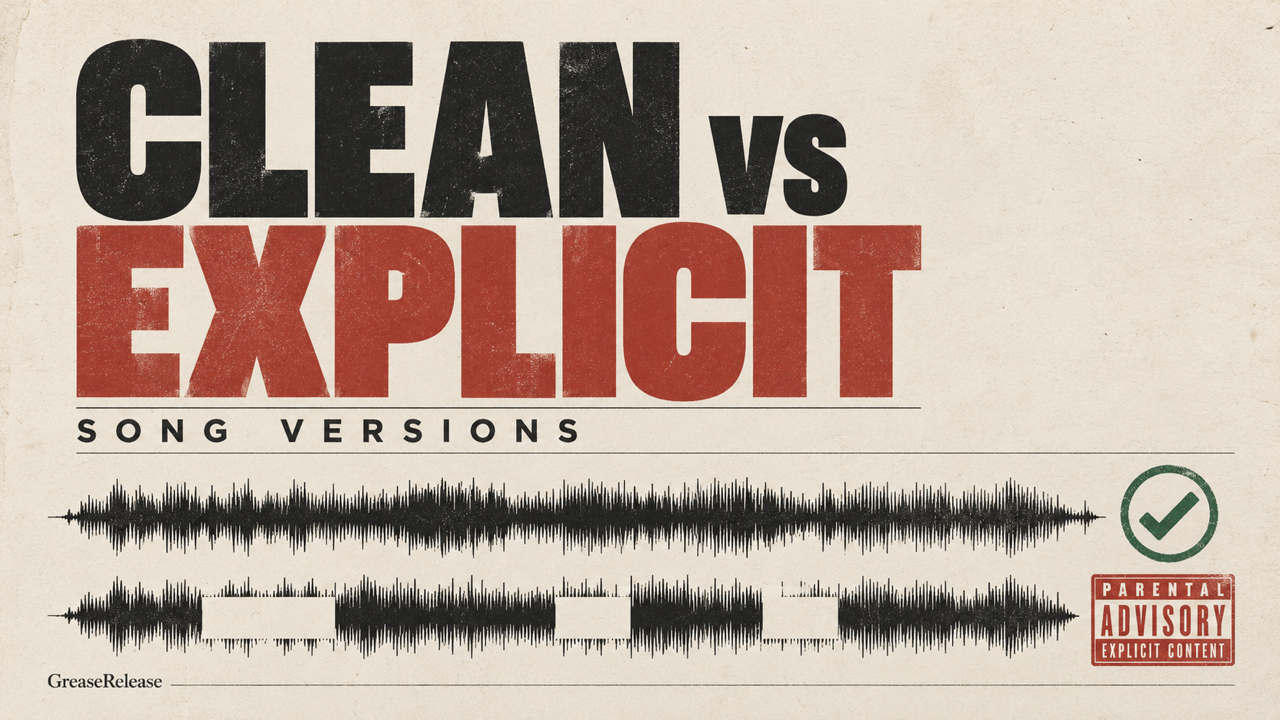
A clean version is an edited version of a song that originally contained explicit material. An explicit version contains lyrics or themes that require an explicit-content label. A song that never contained explicit material is simply non-explicit; it is not automatically a “clean version.”
That distinction matters when you deliver music to Spotify, Apple Music, YouTube Music and other services. The audio and the metadata have to describe the same version. Here is how to prepare both versions without confusing listeners or creating delivery problems.
Clean version vs explicit version vs radio edit
The terms overlap, but they describe different things. “Explicit” and “clean” concern content. “Radio edit” concerns the format prepared for broadcast, which may also remove explicit material, shorten the arrangement or both.
| Version | What it means | Typical changes | Metadata |
|---|---|---|---|
| Explicit | Contains language or subject matter that requires an explicit label. | Original lyrics and arrangement. | Mark the track explicit during distribution. |
| Clean | An edited counterpart to an explicit recording. | Replacement lyrics, mutes, reverses or other edits. | Use the distributor’s Clean designation only when it is an edited counterpart. |
| Non-explicit | The original song contains no material requiring an explicit label. | None. | Leave the explicit designation off; do not call it Clean merely because it has no profanity. |
| Radio edit | A broadcast-ready alternate version. | May remove explicit material, shorten the intro or outro, or reduce the total duration. | Use an allowed version field when your distributor supports it; label explicit content separately. |
If you need help deciding whether the original track is explicit, read our guide to explicit words and themes in songs. Distributor rules can vary, so check the exact fields and style guide in the service you use before delivery.
How to label clean and explicit songs correctly
Your distributor sends the content rating and version information to digital service providers. Accurate metadata helps platforms display parental-advisory labels and apply a listener’s explicit-content settings correctly.
- Mark every explicit track at track level. Do not assume an explicit album label covers each song.
- Reserve “Clean” for an edited counterpart. Current distributor guidance commonly treats Clean as a version derived from an explicit recording. A naturally non-explicit song should not be labeled Clean.
- Keep the artist name and core song title consistent. Add version information only in the distributor field or title format the service allows.
- Use the correct audio master. Play the delivered file from beginning to end. One missed word can make the label inaccurate.
- Match the artwork and release data. Do not put a parental-advisory mark on artwork for a wholly non-explicit release unless your distributor’s rules permit and require it.
Apple documents separate explicit and clean content ratings and can match alternate versions in its catalog. CD Baby’s current guidance similarly says Clean should be used when a corresponding explicit version exists. Treat those as useful principles, then follow the controls in your own distributor dashboard. Sources: Apple Music API documentation and CD Baby’s explicit-content guidance.
Should you release both clean and explicit versions?
Release both when there is a real use case for the clean edit. Radio programmers, certain public venues, broadcasters and some sync briefs may require a version without explicit language. A clean edit can also help listeners who have explicit-content restrictions enabled.
That does not guarantee more streams, editorial playlists or sync placements. A clean file creates eligibility for some contexts; it does not replace audience development, a strong recording or an effective pre-release strategy.
A single non-explicit master is usually enough when the song was written that way. Creating a second file and calling it Clean adds no value and may produce duplicate listings or confusing metadata.
Three practical release choices
- Explicit only: suitable when the original expression is essential and you do not have a radio, public-playback or clean-sync use case.
- Explicit plus clean: suitable when you can make a natural edit and expect broadcast, venue, brand or restricted-listener demand.
- Non-explicit original: suitable when the original recording needs no content warning. Do not invent a Clean label.
How to make a clean version that still sounds intentional
The best clean edits preserve rhythm, meaning and energy. A long silence or obvious bleep can distract the listener unless that effect is part of the creative choice.
- Rewrite the line. Record replacement words with the same syllable count and stress pattern.
- Use an alternate take. A purpose-recorded line usually sounds more natural than cutting the master after release.
- Edit with musical timing. If you mute, reverse or mask a word, keep breaths, reverb tails and backing vocals from revealing the original.
- Check every layer. Ad-libs, samples, backing vocals and featured verses can also contain explicit material.
- Master the versions consistently. The clean and explicit files should not have accidental loudness, timing or fade differences.
Keep clear filenames in your private session, such as SongTitle_Explicit_Master.wav and SongTitle_Clean_Master.wav. Consumer-facing titles should follow your distributor’s style rules rather than your studio filename.
Clean and explicit release checklist
- Listen to every master from start to finish.
- Confirm which tracks are Explicit, Clean or naturally non-explicit.
- Check featured verses, samples and background vocals.
- Use the distributor’s content-rating and version fields.
- Keep songwriter, producer, ISRC and ownership records accurate.
- Preview the release after delivery and report incorrect labels promptly.
- Keep both masters available for radio, venue or licensing requests.
If delivery is the next step, compare the best music distribution services for independent artists and review our guide to uploading music to Spotify.
Frequently asked questions
What does “clean version” mean in music?
It means an edited counterpart to an explicit recording. Explicit words or material have been replaced, muted or otherwise changed. A song that was never explicit is better described as non-explicit.
Is a radio edit the same as a clean version?
Not always. A radio edit may be shortened for broadcast and may also remove explicit material. A clean version specifically addresses explicit content, even if its duration stays the same.
Can I release clean and explicit versions of the same song?
Yes. Deliver each audio file with the correct content rating and version metadata. Follow your distributor’s rules for titles, identifiers and release grouping.
Will a clean version get more playlist placements?
It may qualify for contexts that exclude explicit content, but it does not guarantee placement. Curators still consider the music, audience fit and their own programming needs.
What happens if I forget to mark a track explicit?
The release may display an inaccurate content rating and can be corrected, rejected or removed under a distributor or platform’s rules. Contact your distributor promptly instead of uploading an unmanaged duplicate.
Choose the version that serves the song
An explicit original and a well-made clean edit can serve different listening contexts without changing your identity as an artist. Make the creative decision first, then deliver each version with precise metadata.
Once your release is ready, submit your track to the GreaseRelease music submission platform for consideration by independent curators.
Don't miss my newsletter!
Join me on a music entrepreneurship journey with new tips and tricks delivered straight to your inbox.
We hate SPAM. We will never sell your information, for any reason.