How to Upload Music to Spotify as an Independent Artist
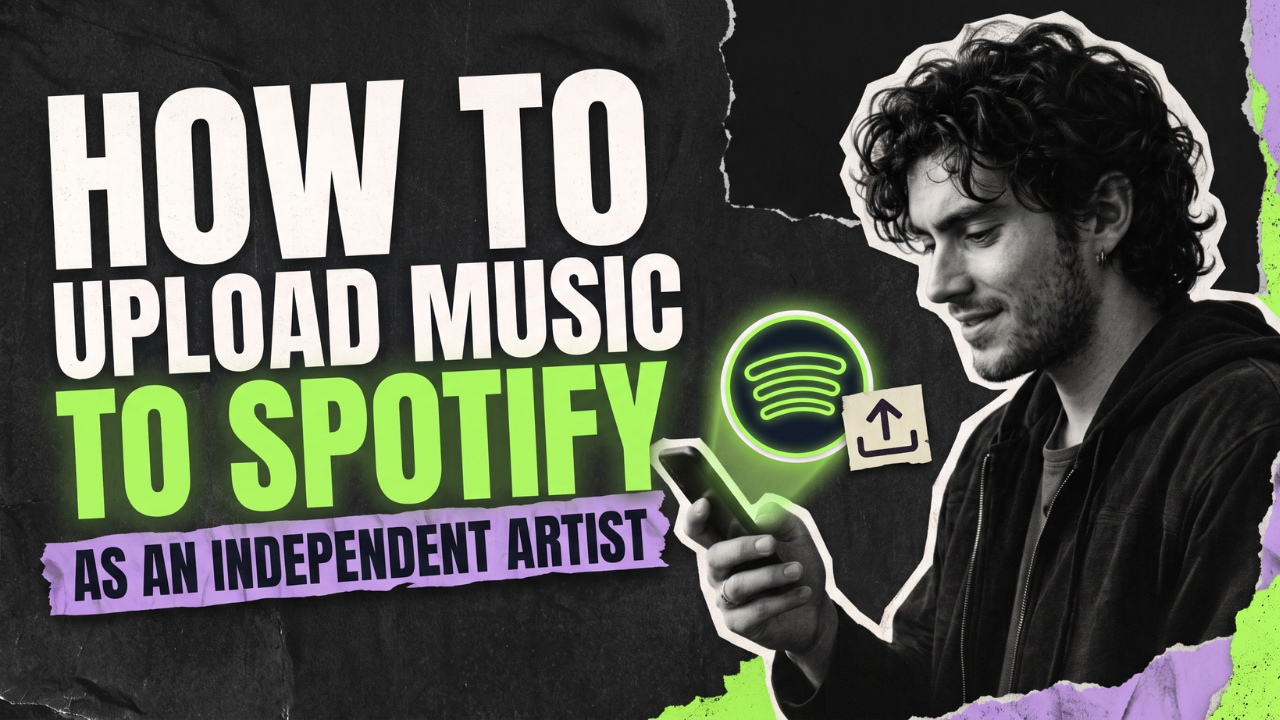
Oct 09, 2026You cannot upload a song directly to Spotify as an independent artist. You send it through a music distributor, which delivers the audio, artwork and metadata to Spotify and pays you the recording royalties it receives.
The upload itself is only one part of a good release. The steps below help you avoid wrong-profile mix-ups, missed pitching deadlines and metadata corrections after launch.
How to upload music to Spotify: the short version
- Finish and export your master recording.
- Choose a distributor from Spotify's provider directory.
- Prepare cover art, credits, rights information and release metadata.
- Create the release in your distributor's dashboard.
- Select Spotify and your other stores, then choose a future release date.
- Map the release to the correct Spotify artist profile.
- Review everything before submitting.
- Open the release in Spotify for Artists under Music > Upcoming.
- Pitch one eligible unreleased song at least seven days before release.
- Check the live release on desktop and mobile.
What you need before uploading
| Item | What to prepare | Why it matters |
|---|---|---|
| Audio master | Final lossless file that meets your distributor's specifications | Avoids quality loss and replacement deliveries |
| Cover art | Square, high-resolution artwork you own or have permission to use | Stores can reject artwork that breaks their rules |
| Metadata | Exact artist names, titles, versions, contributors, language and explicit-content status | Controls how the release is credited and discovered |
| Rights and credits | Songwriters, producers, performers, copyright owners and collaborator splits | Reduces disputes and missing credit |
| Release plan | Release date, lead single, territories and promotion timeline | Creates time for delivery, pitching and corrections |
Step 1: choose a music distributor
Spotify's Provider Directory lists preferred and recommended companies that meet its delivery standards. Examples include DistroKid, CD Baby, TuneCore, Amuse and others. These providers handle delivery and royalty payments; Spotify does not charge you to claim Spotify for Artists.
Compare the full cost rather than the cheapest first-year price. Ask:
- Do I pay annually, per release or through a commission?
- What happens to my music if I cancel?
- How many artist profiles are included?
- Are collaborator splits, Content ID or social-platform delivery extra?
- How quickly does support respond when a release is wrong?
For a deeper comparison, read our guide to the best music distribution services for independent artists.
Step 2: export the final master
Upload the final version, not a compressed preview from a messaging app. Most distributors accept a lossless WAV file, but the exact sample rate, bit depth and channel requirements belong to the distributor you choose. Check its current upload specification before exporting.
Listen from beginning to end on headphones and speakers. Check the opening silence, fades, clicks, distortion, track order and whether the clean or explicit version is the correct one. Replacing audio after delivery can delay a campaign.
Step 3: prepare compliant cover art
Use a square, high-resolution image and make sure you own or license every visual element. The artist name and release title in the artwork should agree with the metadata. Avoid store logos, misleading claims, contact information and text that promotes a price or limited-time offer.
Your distributor may impose more specific dimensions and file-size rules. Follow its uploader because it is the system that validates and sends the artwork.
Step 4: build a clean metadata sheet
Metadata is the release's identity. Spotify's current guidance asks for roles and credits at both track and release level. Include the main artist, featured artists, songwriters, producers and other contributors accurately. Mark explicit tracks as explicit instead of typing “explicit” into the title.
Keep spelling and capitalisation consistent with existing profiles. Do not put artist names inside track or release titles. If the song is a remix, live version or acoustic version, identify that version in the field your distributor provides.
Save one master metadata sheet for your team. It should contain the final title, artist links, contributors, splits, lyrics, ISRCs, UPC, release date and copyright lines.
Step 5: upload through the distributor
Create a new single, EP or album in the distributor's dashboard. Upload the audio and artwork, paste the metadata carefully, select Spotify and any other stores, then choose the territories where you have the right to release the music.
If you already have an ISRC or UPC for the same recording and release, enter it when appropriate. If this is a new recording, many distributors can generate the identifiers. Never reuse one recording's ISRC for a different master.
Step 6: connect the correct Spotify artist profile
If you already have a Spotify profile, give the distributor the profile link or URI. Artist names are not unique, so relying on the name alone can attach a release to somebody else's page.
If this is your first release, follow the distributor's new-artist flow. Once Spotify has received the delivery, use the artist link or URI supplied by the distributor when requesting Spotify for Artists access. If a release lands on the wrong page, contact the distributor and use Spotify's content-mismatch process with the release and artist links.
Step 7: choose a release date with enough lead time
Spotify says a distributor can take a few days to deliver new music and recommends setting the live date at least seven days in the future. That seven-day window is the minimum needed for an eligible pitch to influence Release Radar; it is not a guarantee that a rushed submission will be error-free.
For a planned campaign, give yourself more time. Distributor review, store ingestion, artist-profile mapping or rejected artwork can consume several days. A three-to-four-week runway is often more comfortable when you also need pre-save promotion, content and press outreach.
Step 8: review before submitting
Treat the last review like a release-day check. Confirm:
- Every audio file is assigned to the right track.
- Artist spelling and profile mapping are correct.
- Featured artists and contributors are credited in the proper fields.
- The release date, time zone and territories are intentional.
- Artwork matches the metadata and contains no prohibited content.
- Explicit tracks are labelled correctly.
- Copyright ownership and collaborator splits are documented.
Ask one person who did not enter the release to perform this check. Fresh eyes catch duplicated titles, reversed files and missing credits surprisingly often.
Step 9: find the release in Spotify for Artists
After delivery, log in to Spotify for Artists and open Music > Upcoming. Spotify says this area shows unreleased music delivered by your label or distributor. You can verify the date, track list, cover art and other details there.
If the release is missing, ask the distributor whether it delivered the music to the correct artist profile. Metadata changes must normally be sent through the label or distributor.
Step 10: pitch one unreleased song
Admins and Editors can pitch an eligible upcoming song from Spotify for Artists. Spotify says to pitch at least seven days before release. That gives its editors time to listen and lets you choose the song added to your followers' Release Radar.
You can pitch only one song at a time, and pitching does not guarantee editorial placement. Describe the music accurately: genre, mood, instruments, culture, location and your real campaign plan are more useful than generic claims that it is “the next big hit.”
What to check on release day
- Open the release on desktop and mobile.
- Play every track and check the order.
- Confirm it appears on the correct artist profile.
- Review credits, artwork, explicit labels and release date.
- Test the link from a logged-out browser or a different account.
- Update your artist profile, Artist Pick, Canvas or other eligible assets.
If something is wrong, document it with the Spotify URL, artist URL, UPC and ISRC before contacting your distributor. Specific identifiers help support teams locate the exact delivery.
Common Spotify upload mistakes
Uploading too close to release day
A last-minute delivery leaves no room for a rejection, wrong-profile fix or editorial pitch. Set the date well ahead and finish the master before starting the upload.
Using the artist name instead of the artist link
Two artists can share a name. Always use the Spotify artist link or URI when the distributor asks whether you already have a profile.
Putting credits into the title
Enter featured artists, producers and remixers in their designated roles. Spotify's metadata guidelines say artist names should not be added to track or release titles.
Assuming distribution includes promotion
Delivery makes the song available. It does not create an audience. Build your content, fan outreach and advertising plan separately, and never pay for guaranteed streams or suspicious playlist placement.
FAQs
Can I upload music to Spotify for free?
Spotify itself does not provide a general direct-upload tool for independent audio releases. Some distributors may offer no-upfront-fee plans, but read the commission, withdrawal, feature and cancellation terms before choosing one.
How long does it take for music to appear on Spotify?
The distributor needs time to review and deliver the release, and Spotify needs time to ingest it. Timing varies. Spotify recommends choosing a date at least seven days ahead for pitching, while a longer runway gives you time to correct problems.
Do I need Spotify for Artists before my first release?
You need a delivered release before Spotify can connect you to a new artist profile. Ask your distributor for the artist link or URI after delivery, then use it to request access before release day when possible.
Can I change a song after I submit it?
Some metadata can be corrected through your distributor, but replacing audio or changing core release information may require a new delivery or takedown. Review everything before submission to avoid losing campaign time.
Can two artists have the same Spotify name?
Yes. A name alone does not identify the correct profile. Use the Spotify artist link or URI and keep your release identifiers ready when working with your distributor.
Your release is live—now help people discover it
A technically correct upload gives your campaign a stable foundation. The next job is earning attention with honest promotion, strong creative assets and the right audience. If you want independent curators to consider your strongest track, submit it through the GreaseRelease music submission platform.
Don't miss my newsletter!
Join me on a music entrepreneurship journey with new tips and tricks delivered straight to your inbox.
We hate SPAM. We will never sell your information, for any reason.